If this is your first visit, be sure to
check out the FAQ by clicking the
link above. You may have to register
before you can post: click the register link above to proceed. To start viewing messages,
select the forum that you want to visit from the selection below.
Consumer Central is a resource, offered as a courtesy by Revenera, for software users to find solutions to common installation problems.
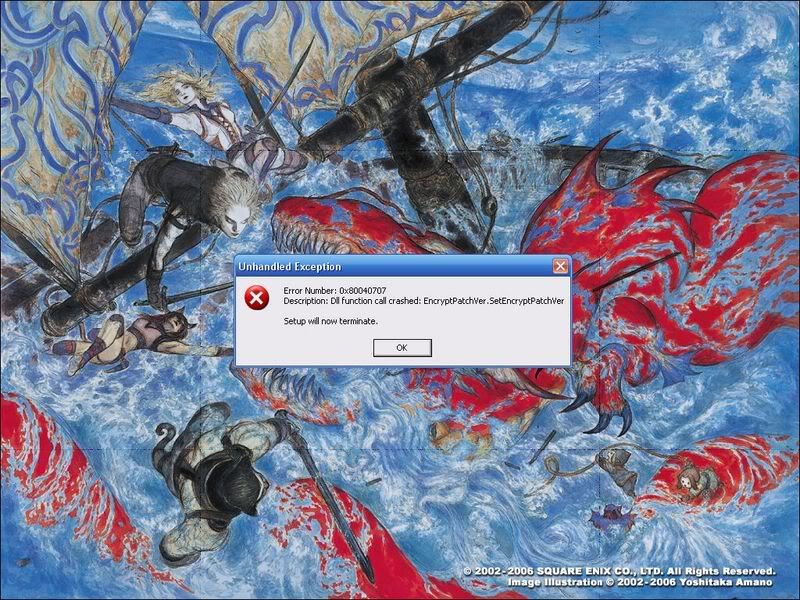
Looks like you've previously done something bad to your installation of Windows.
Be warned: Use of the above information is entirely at your own risk. Editing the registry is not a safe thing to do if you don't know what you're doing. If you don't feel comfortable doing this, I would recommend getting a professional to help you. Failure to correctly edit the registry in Windows can cause your operating system to become unstable, fail to boot up, or in extreme cases cause permanent damage to your hardware.
If you're getting this error message as part of an installation or upgrade routine, here's one of the easiest ways to circumvent the problem:
1. Go to the directory that holds the file for launching the installation (for example, Setup.exe).
2. Right-click on the installation file and select Run As.
3. Uncheck the box that says Protect My Computer And Data From Unauthorized Activity, and click OK.
Alternatively, if you're running this installation from a CD, you may need to simply clean the CD and try the installation again. Another possibility for resolving this error is to run Windows Update on the system before running the installation routine.

 Tweet
Tweet




Comment